Satellite Passes
The Satellite Passes panel shows the list of predicted satellite passes over your location:
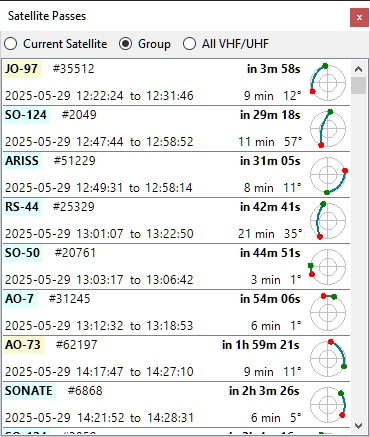
The radio buttons at the top allow you to view either the passes of the selected satellite, of all satellites in the currently selected group, or all satellites carrying a VHF or UHF downlink transmitter and thus visible on the Frequency Scale.
Click on a pass to make the satellite selected and to view its trajectory on the Sky View panel.
Move the cursor over the satellite name to view extra information on the mouse tooltip, or right-click to open the Satellite Details window.
The pass times, both in the list and on the tooltips, are displayed in the time zone selected on the Clock widget, marked with Z for UTC or LT for local time.